How to Download Receipts
How to Download Receipts

Vendtill POS App
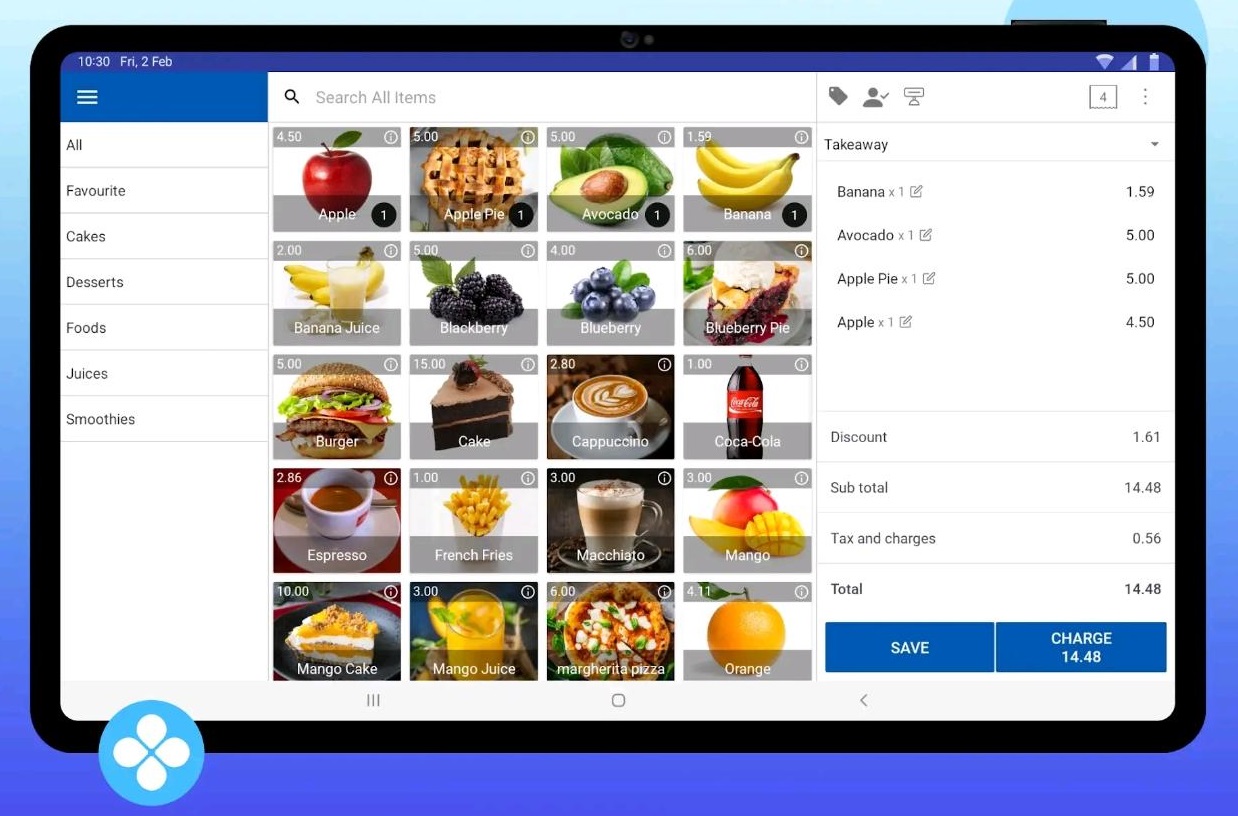
1. Download Receipts in the POS App
- Vendtill POS allows for easy download and digital sharing of receipts.
- No paper copies are needed—this process is entirely paperless.
- You can share receipts using the customer’s email or phone number.
- Supported platforms for sharing include:
- SMS
- Viber
- Messenger
- Telegram
- This offers a convenient and eco-friendly way to distribute receipts.
2. Download Receipts in the POS App
1) Open the Vendtill POS app and go to the main menu.
2) Select "New Sale" to begin a new transaction.
3) Choose the items for the sale.
4) Once all items are selected, click the "Charge" button to proceed with payment.
3. Download Receipts in the POS App
1) After clicking the "Charge" button, the Payment Interface will appear.
2) Look for the SHARE icon, represented by 3 connected dots.
3) Click the SHARE icon to proceed with sharing the receipt.
4. Download Receipts in the POS App
1) Select the "PDF" option from the sharing menu.
2) Click the "Download" button located below the PDF option.
3) The downloaded receipt will be saved in the "Downloads" folder on the POS device.
Related Articles
Deleted Receipts Report
Deleted Receipts Report Vendtill Back Office Description Deleted Receipt Report in Vendtill POS is a valuable asset for business owners looking to maintain control over their financial transactions, prevent fraud, and ensure the highest standards of ...Receipts Report
Receipts Report Vendtill Back Office > Receipts 1. Receipts Report Vendtill receipt report provides a comprehensive record of all transactions processed through the POS system, capturing critical information such as transaction details, customer ...How to Delete Receipts
How to Delete Receipts Vendtill Back Office 1. Vendtill allows you to delete receipts in case of billing mistakes. To perform this task, you need the Admin Password and the user approval level 2.1 POS App main menu Manage Sales Select “Receipts”. 2.2 ...How to Design Receipts
How to Design Receipts Vendtill Back Office 1. Login to POS Back Office > Select “ Settings ” from main menu > Click on 'Design receipt' 2. Select relevant shop(s) from the drop down menu 3.1 Receipt logos For the paper logo, we recommend uploading a ...How to Sync Offline Receipts
How to Sync Offline Receipts Vendtill Web App How to Sync Offline Receipts in Vendtill POS Vendtill POS allows you to continue billing even without an internet connection using Offline Mode. Follow these steps to sync your offline receipts once ...